A beard neckline is the boundary between the beard you keep beneath the jaw and the neck hair you remove. It is a different decision from hair length. Before shortening your beard, decide which lower-face coverage you want to preserve.
Look in a mirror with your head in its usual upright position. Notice where the beard wraps beneath the jaw. Then raise your chin slightly so you can inspect the neck; check the front and both sides before moving the trimmer.
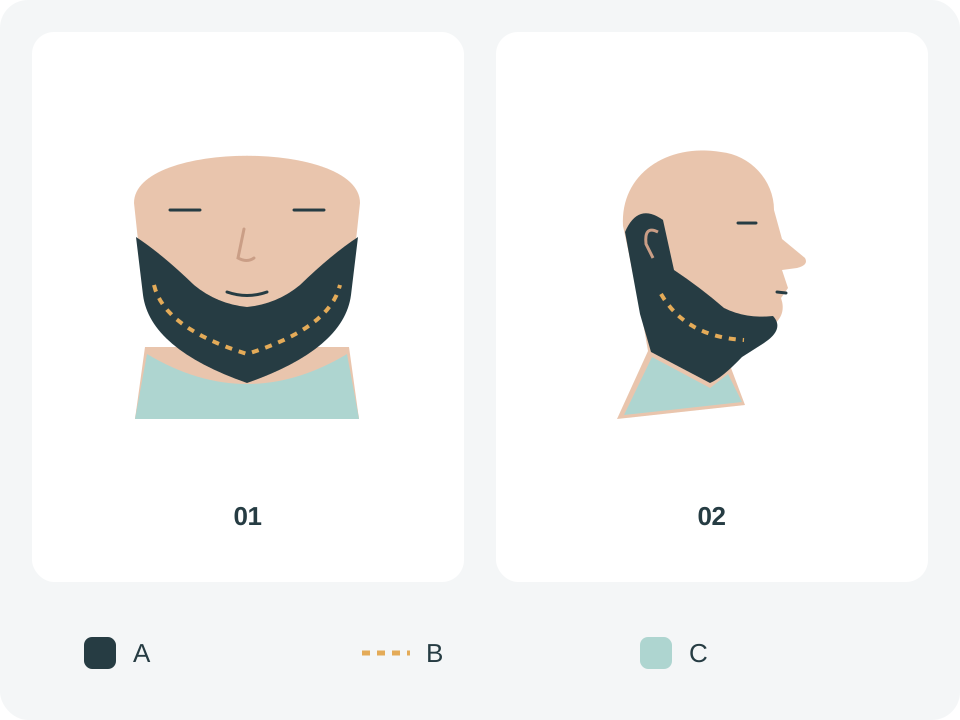
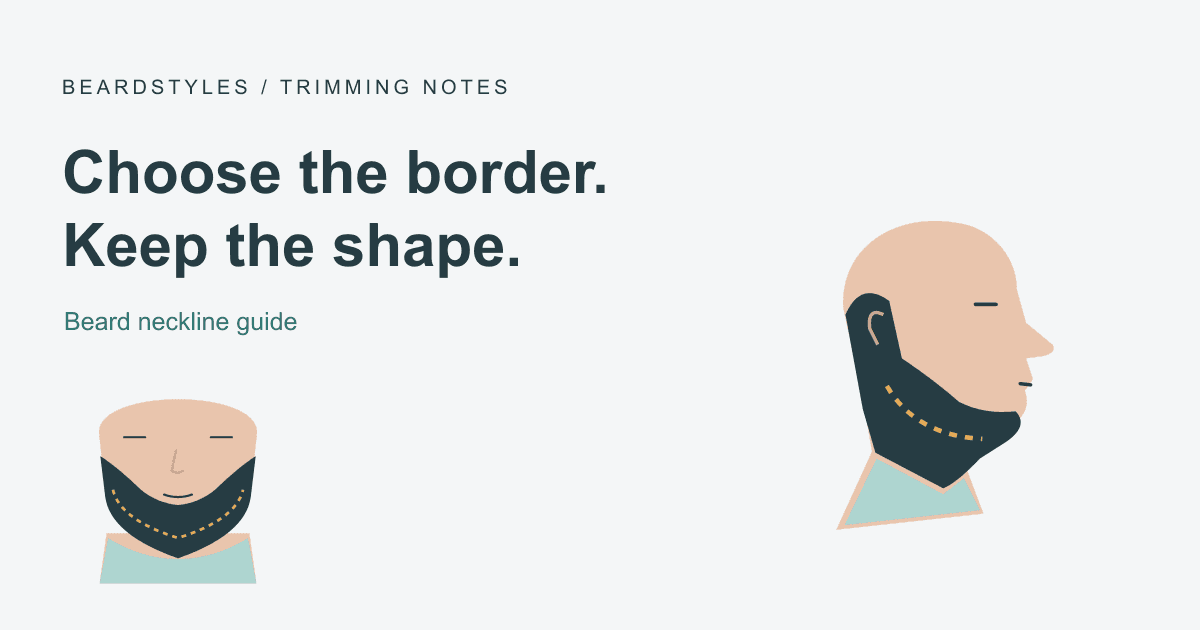
Original coverage schematic: A marks the dark retained beard, B marks the amber dashed approximate jaw position, and C marks the pale teal neck clearing area. It compares the front and side views; it is not a personal cutting line.
Brand guides offer different landmarks. Philips describes a finger placed just above the Adam’s apple, while Braun uses a two-finger reference. These are starting references, not a shared measurement standard. Our practical recommendation is to compare the proposed border in the mirror and preserve room for a small correction, rather than treating a finger width as an exact cutting line.
A low hair tip is not necessarily unwanted neck growth: it may belong to the beard extending from higher on the face. Separate the surface outline from the place where the hair grows before cutting into a longer beard.
Comb dry facial hair into its usual direction and check the instructions for your particular trimmer and attachment. Decide whether you want a close trim or a shaved finish below the border; the two finishes need not use the same tool setting.
- Identify a small central area clearly below the intended border.
- Clear that area, then work gradually toward one side.
- Return to the center and repeat on the other side.
- Lower your chin to its normal position and compare the overall outline before making another pass.
Working outward from the center is also described in Gillette’s neckline guide. Stop when the main shape is consistent; repeatedly raising both sides to match a small mistake can remove coverage you intended to keep.
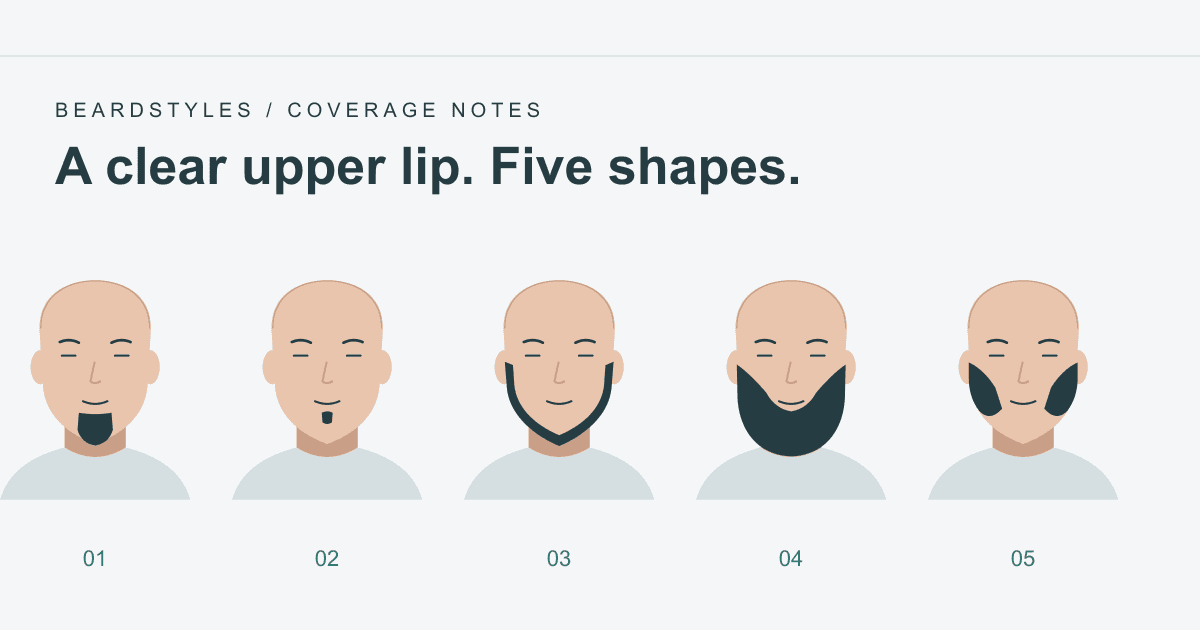
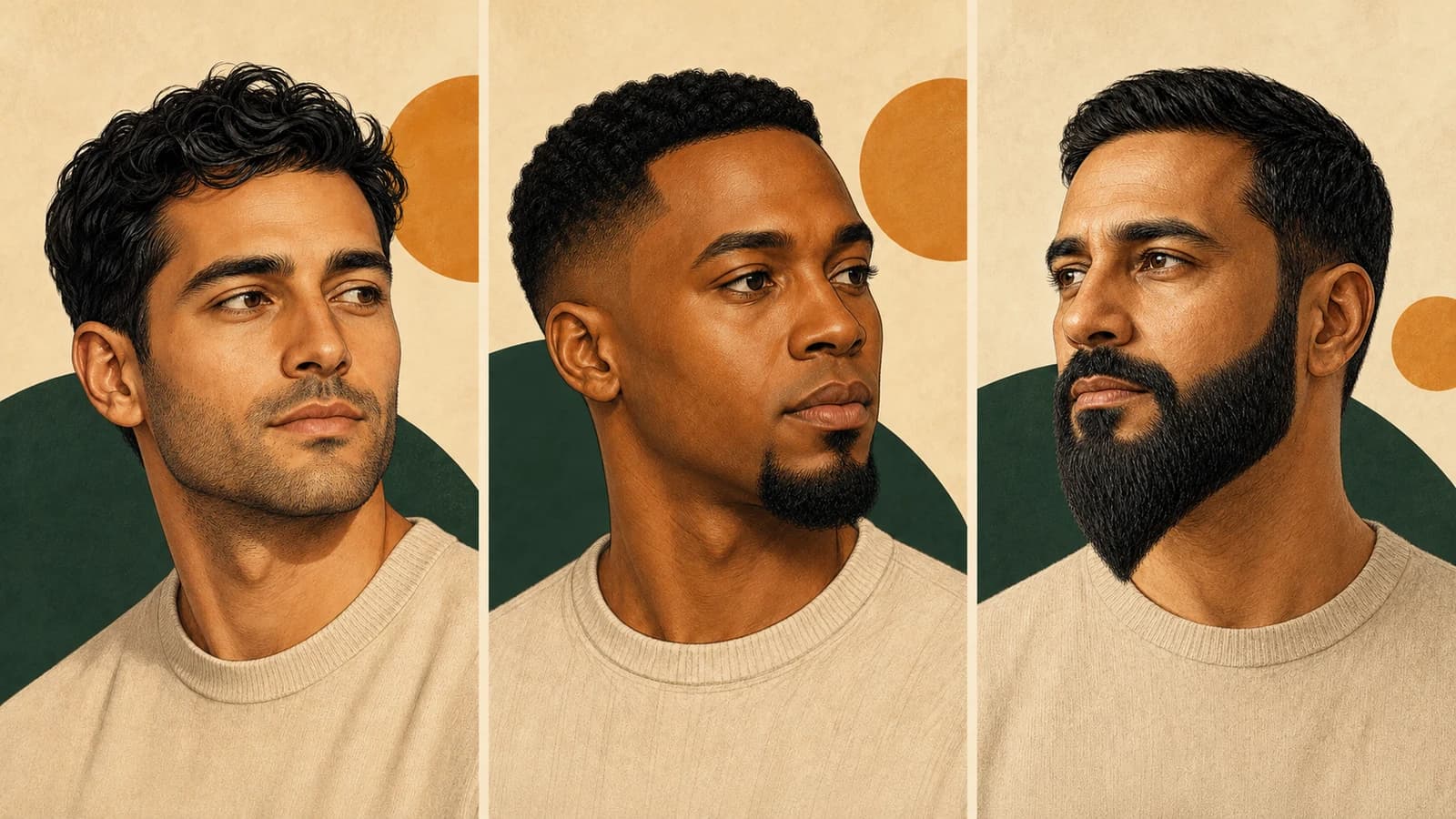
For Stubble, decide how much contrast you want between short facial hair and the neck. A deliberate soft edge and a sharp shaved edge are different choices.
For a Full Beard, check that the border leaves the connected jaw and chin coverage you want. Trimming the whole lower outline to the visible jaw edge can change that coverage considerably.
For a partial style such as a Goatee, start with that style’s coverage. A broad full-beard neckline is not a template to copy around every smaller shape.
Pause before making the other side equally high. Check whether the difference is noticeable at a normal viewing distance. You can leave the area to grow and reassess it later; there is no reliable number of days that restores every beard. A stylist can help judge a substantial change in outline if you are unsure where to stop.
Record the attachment and settings that worked. Use the beard length chart for millimeters and tool-setting context, and the short beard comparison for coverage choices. Neither a style photograph nor an AI preview can locate your exact neckline for you.
Is there one correct finger-width rule? Different guides use different references. Check the outline on your own face; do not use a finger width as a universal measurement.
Must I shave the neck completely smooth? That depends on the finish you want. A close trim and a shaved finish are separate choices; follow the instructions for your tool.
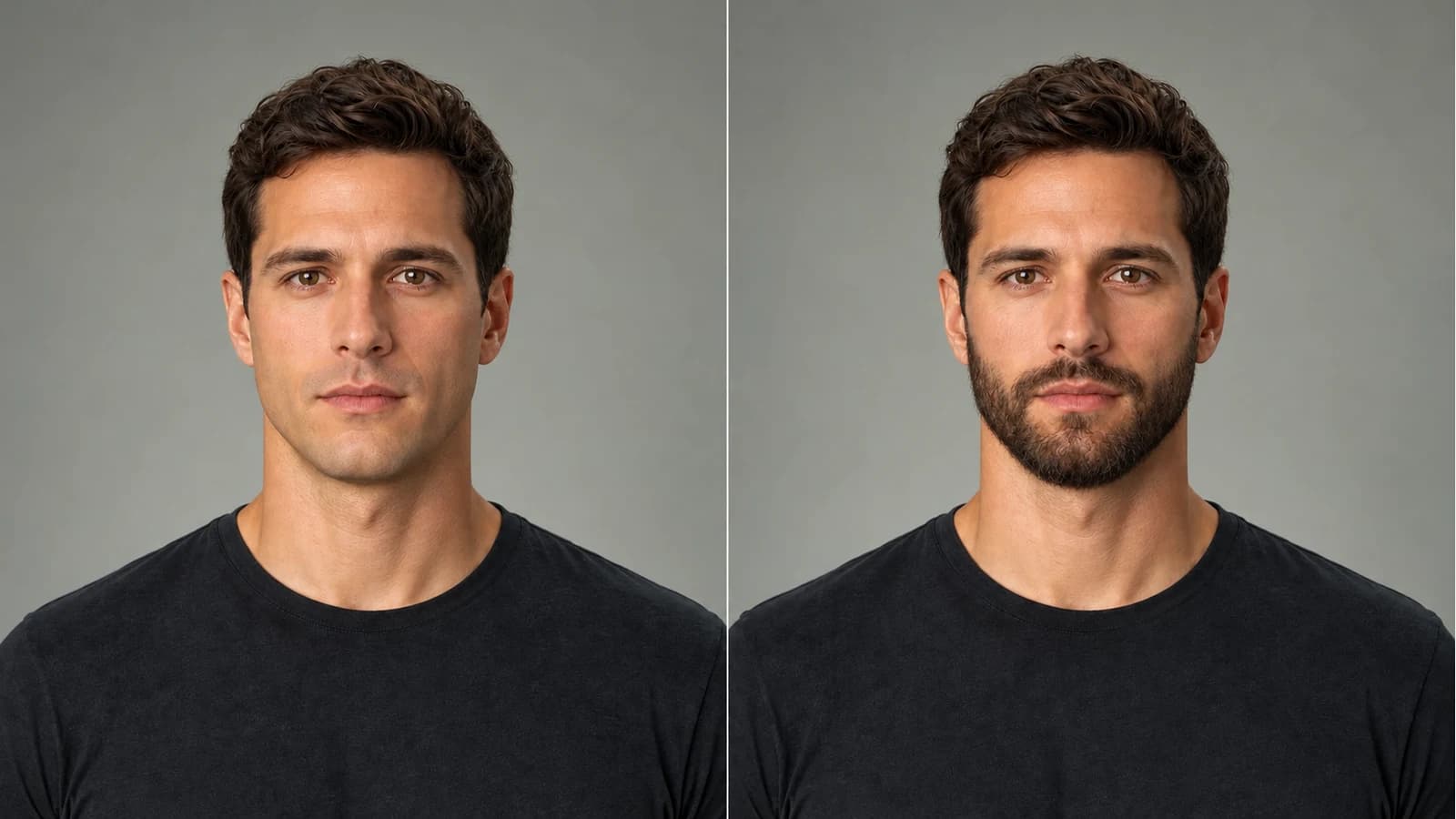
Can the preview tell me exactly where to cut? No. It can help compare a broad style, but it is not a personalized trimming template.