Style Selection
Beard Styles Without a Mustache: Compare the Coverage
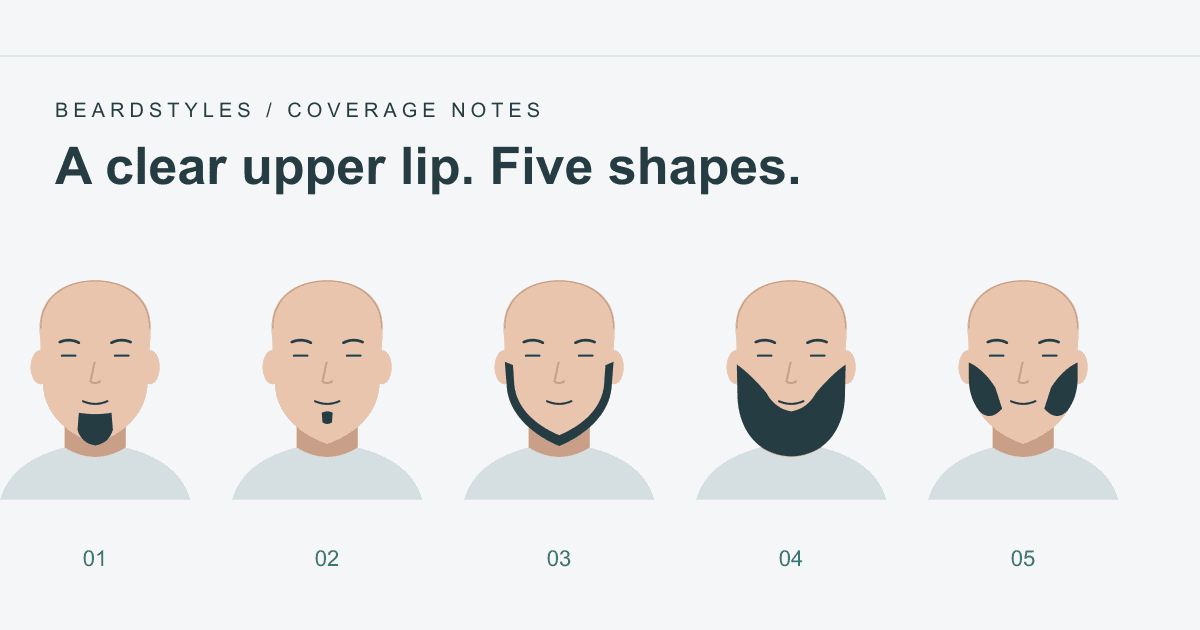
Compare five existing beard styles that keep the upper lip clear, from a Soul Patch or Goatee to Chin Strap, Dutch Beard, and Mutton Chops.

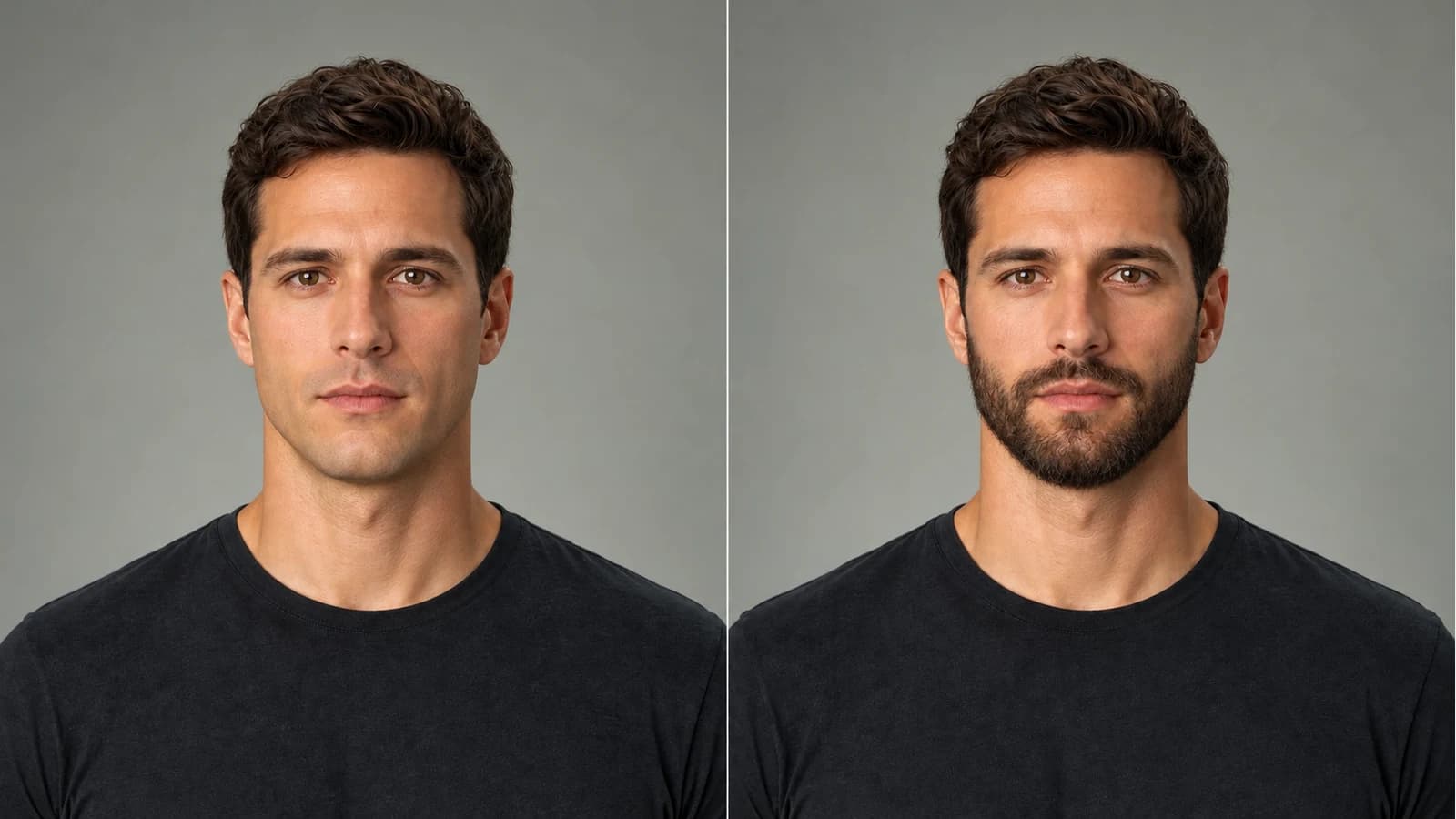
AI-generated illustration, not a customer result.
Maintained by BeardStyles
Latest recorded revision: Replaced the cover with an AI-generated comparison and explicitly identified it as an illustration, not a customer result.
Content and source methodSee how BeardStyles turns a photo and selected beard style into an AI preview, what the preview can help compare, and where its limits matter.
Choosing a beard style usually involves tradeoffs: natural growth, face shape, maintenance time, workplace expectations, and personal preference. A preview cannot make that decision for you, but it can make several options easier to compare.
BeardStyles.org creates AI beard previews from a photo you choose and a style you select.
The cover is an AI-generated comparison of the same illustrated person: clean shaven on the left and a compact connected Full Beard on the right. It is not a customer result.
The browser analyzes face shape and photo quality to guide style selection. BeardStyles then uses the photo and selected style to request the generated preview. See Privacy for the current processing and retention details.
The style library includes short, partial, mustache, sideburn, full, minimal, outline, and hybrid options. You can use previews to compare questions such as:
Browse the available styles for examples and grooming notes.
An AI preview is an appearance aid, not an exact prediction. Results may vary with lighting, head angle, image quality, face shape, natural hair growth, and model output.
Face-shape analysis is not identity recognition, medical advice, or professional grooming advice. A generated image also cannot show how quickly or densely your own facial hair will grow.
Use the preview to compare broad visual directions, then consider your actual growth and maintenance needs before trimming or growing.
For a clearer comparison:
If the photo-quality check reports a problem, replacing the photo may produce a more useful preview.
You can start with the free generation allowance shown on the site. Paid options and current limits are listed on Pricing; no credit card is required to use the free allowance after signup.
How long does generation take?
Processing time varies with upload, network, queue, and model conditions. The generator shows progress while the request is active.
Do you store uploaded photos?
Temporary uploads and saved results have different retention rules. Review Privacy for the current R2, Replicate, and account-deletion boundaries.
Can I compare multiple styles?
Yes, subject to the current generation allowance or credits shown in your account.
Will the preview match a real beard exactly?
No. It is a generated preview, and actual growth and trimming results vary.
Questions or feedback? Contact us.
Compare five existing beard styles that keep the upper lip clear, from a Soul Patch or Goatee to Chin Strap, Dutch Beard, and Mutton Chops.
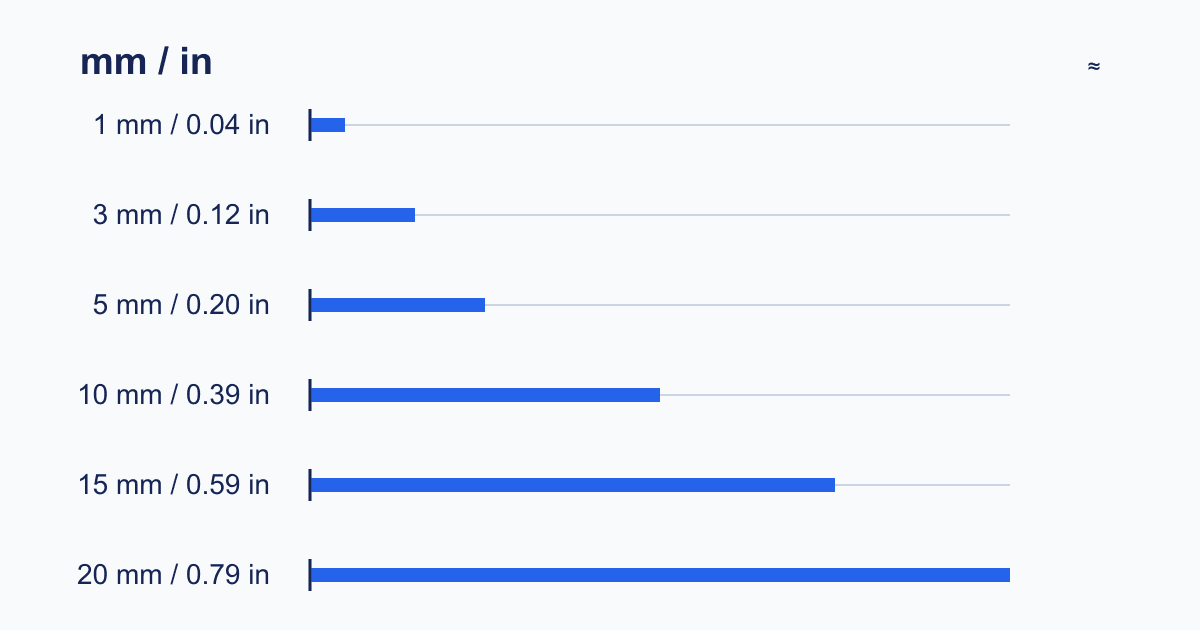
Compare six beard lengths in millimeters and approximate inches, then learn how to test a model-specific trimmer setting conservatively.
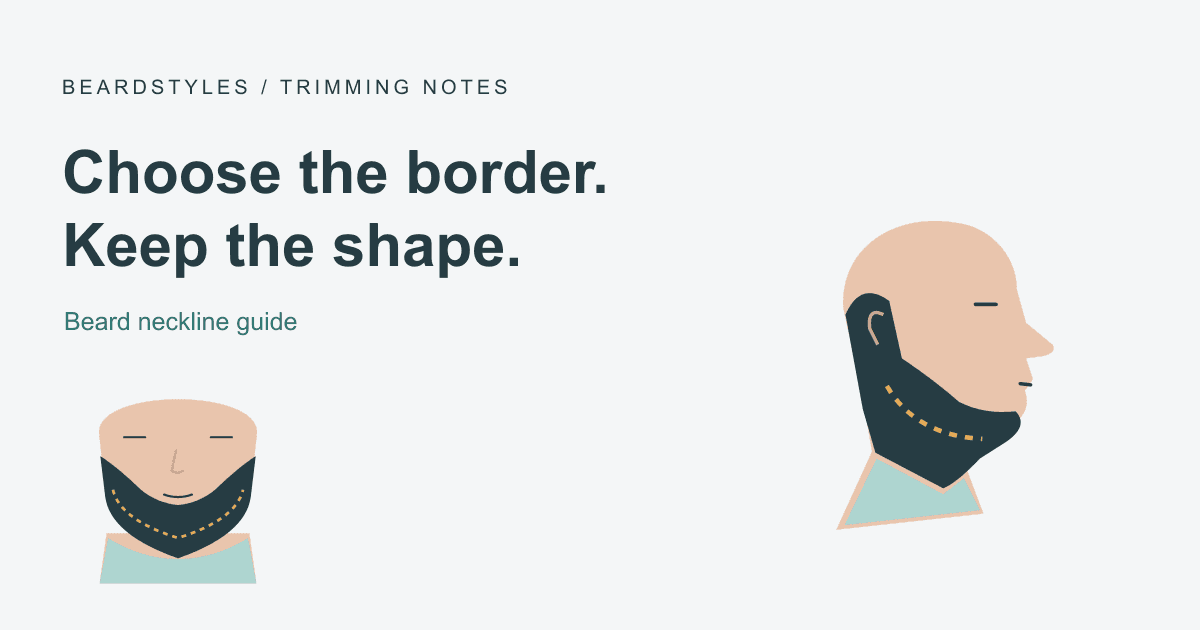
Learn how to choose a beard neckline, inspect it from the front and sides, trim in small sections, and avoid cutting the border too high.
Stay Styled
Subscribe for the latest AI beard styles, grooming tips, and platform updates