
Beard photos
Why does your beard look different in photos?
Check camera distance, lighting and selfie mirroring before judging your beard. Build a repeatable photo set to compare shapes or prepare an AI preview.
In this guideStart with the picture
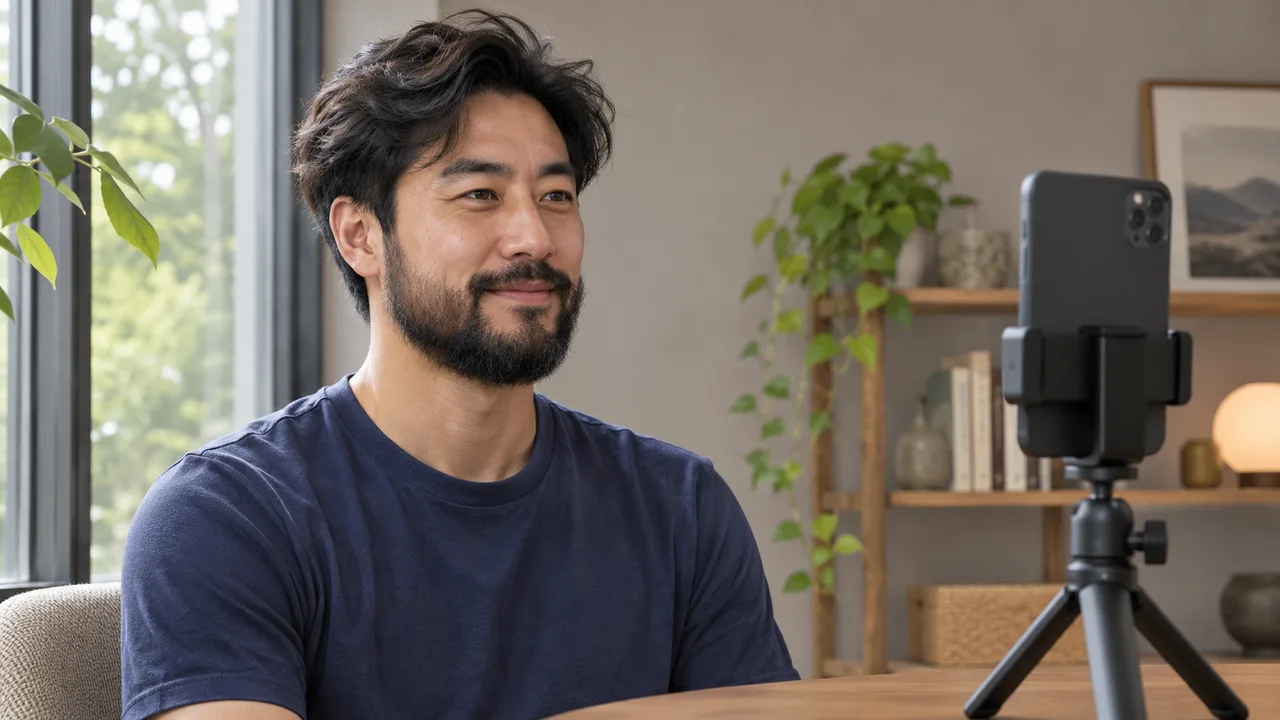
A beard can look fuller, flatter or more uneven from one photo to the next. Camera position changes perspective, light changes the shadows between hairs, and a saved selfie may face the opposite way to its preview. Check those three conditions before deciding that your beard needs a different shape.
What changed between the mirror and the photo?
In an r/beards discussion, readers describe liking their beard in a mirror and feeling differently about it in photos or video calls. The discussion establishes a familiar question, while the photography sources below explain changes you can check in your own setup.
Start by comparing the same view. A close, high-angle selfie and a level mirror view show different parts of the chin and underside. Keep your chin relaxed and the full beard in frame. Look for what the picture reveals before choosing anything to cut.
Move the camera before changing the beard
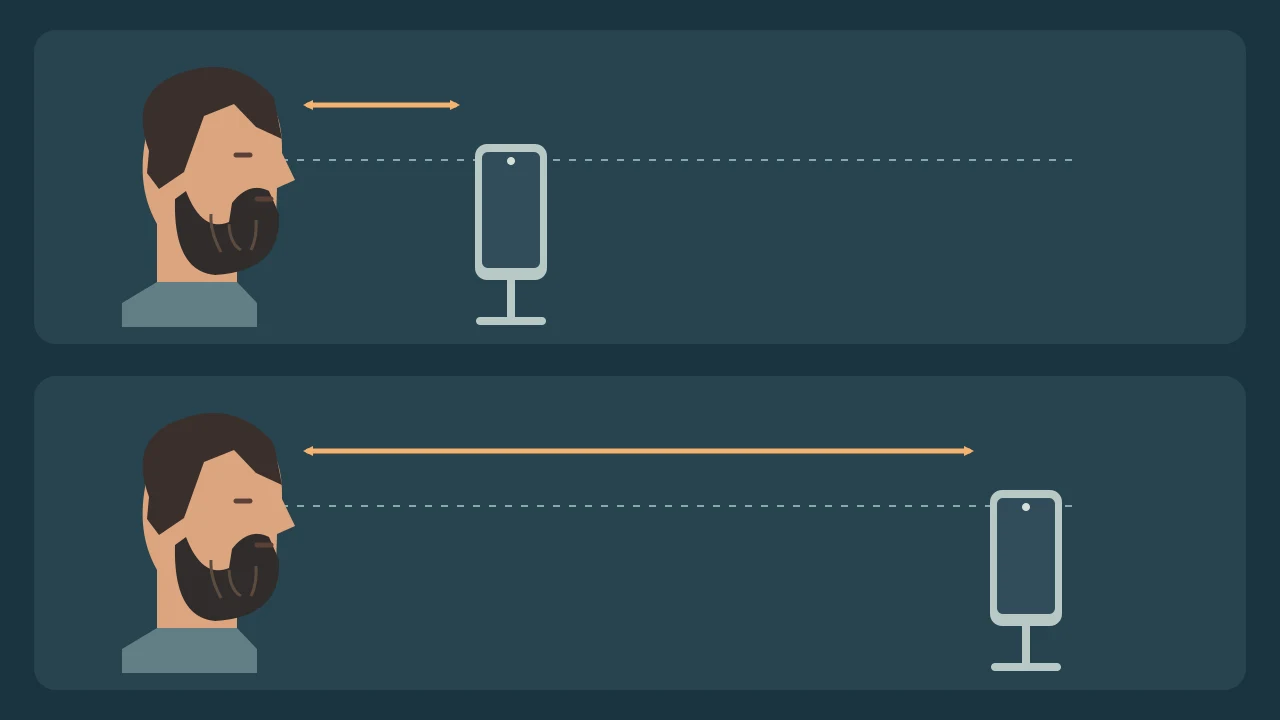
Hasselblad’s portrait guide explains that camera position determines perspective. At a close distance, nearer features appear more prominent relative to features farther away. Moving the camera changes that relationship. Changing the crop or zoom from the same position changes framing.
Try resting the phone securely and using a timer so you can step back. Begin around eye level and leave space below the beard. Compare a front view and a side view at a similar distance. Choose a position you can repeat. There is no single distance that makes every beard look right.
Check shadows and the saved image
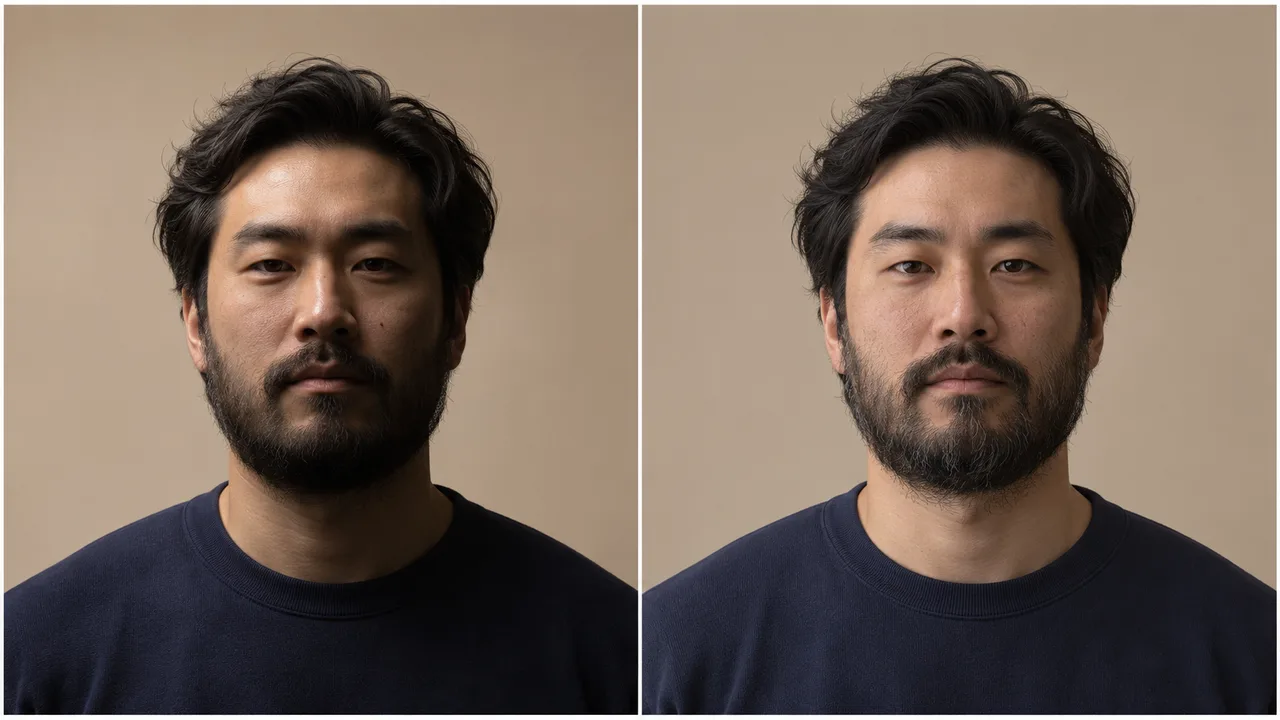
A beard photographed against a bright window may lose visible detail. Harsh light can also put part of the cheek or chin in deep shadow. Try turning toward soft window light, then inspect whether the cheek line and lower edge are visible. Gillette and 123RF both discuss lighting and camera angle in beard photos.
Check whether the saved selfie has the same orientation as the preview. Apple’s iPhone guide describes a Mirror Front Camera setting that saves the view as shown in the front camera. Other cameras and apps have their own settings. Use a familiar landmark, such as your hair part, to keep left and right consistent across comparisons.
Keep the conditions repeatable
Take a front view and both sides
Use the same camera, position and light. Keep your chin level and your beard in its usual settled shape. Include the bottom of a longer beard.
Compare one change at a time
For a new trim, keep the photo setup similar. For a camera test, keep the grooming the same. Note the view and date so the comparison is easy to follow.
Choose a clear image for a preview
For BeardStyles, start with a clear face photo where the mouth, jaw and beard edge are visible. Follow the current upload guidance. Review an AI result as a possible outline to discuss alongside your actual coverage.
Before changing your beard because of one image
Which picture shows how other people see me?
A still picture records one viewpoint under one set of conditions. A small set of consistent views gives you more context for judging the outline.
Does zoom fix a close selfie?
Stepping back changes perspective. Zooming or cropping from the same position changes the framing. Check your camera position first.
Can a photo show exact beard density or growth?
Shadows, exposure and viewing angle can alter the visible coverage. Use photos to compare an outline and check your real beard in similar light before trimming.
Sources and further reading
Checked November 8, 2026. The Reddit thread documents the question. Beard-photo guides inform the practical setup, Hasselblad explains perspective, and Apple documents the named selfie option. The repeatable photo checklist is our editorial method.
- Reddit r/beards · Mirror and photo comparison
- Gillette UK · Beards and selfies
- 123RF · Photographing a beard
- Hasselblad US · Camera distance and perspective
- Apple · Taking and mirroring a selfie
First published
Updated